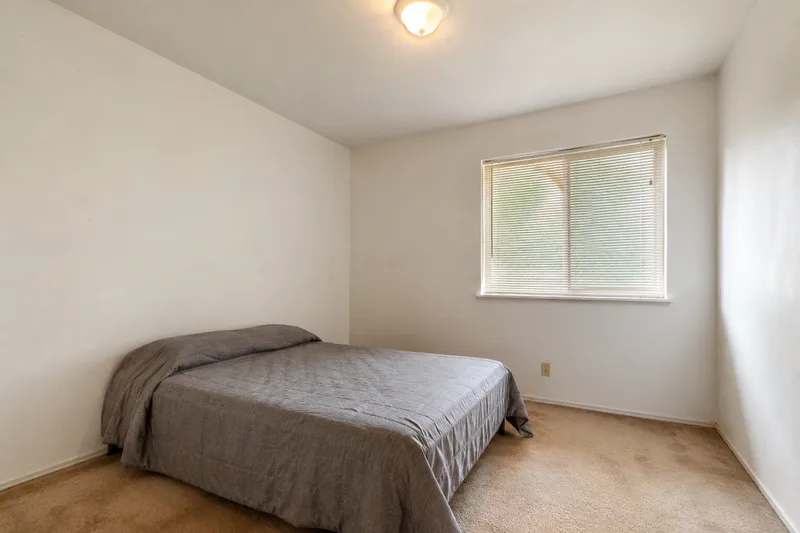
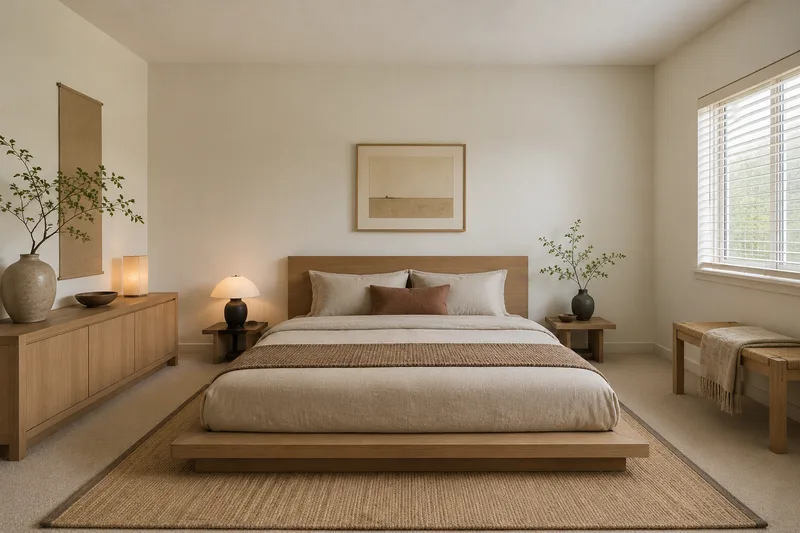
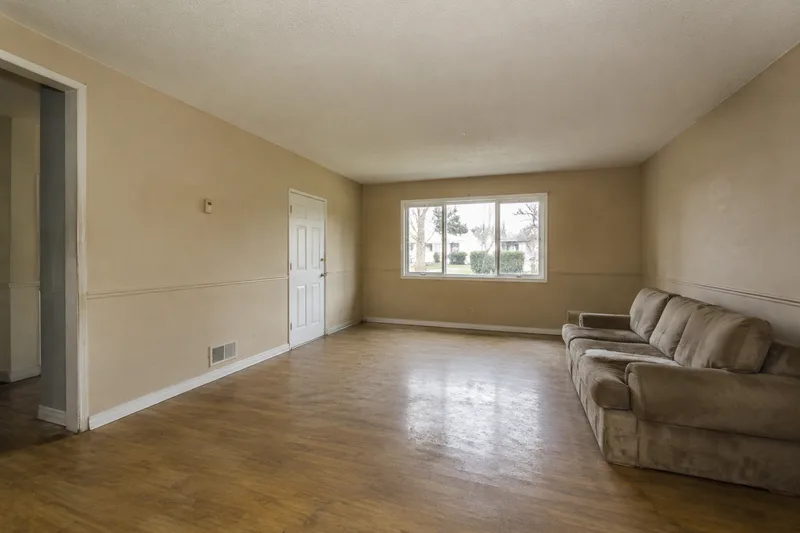
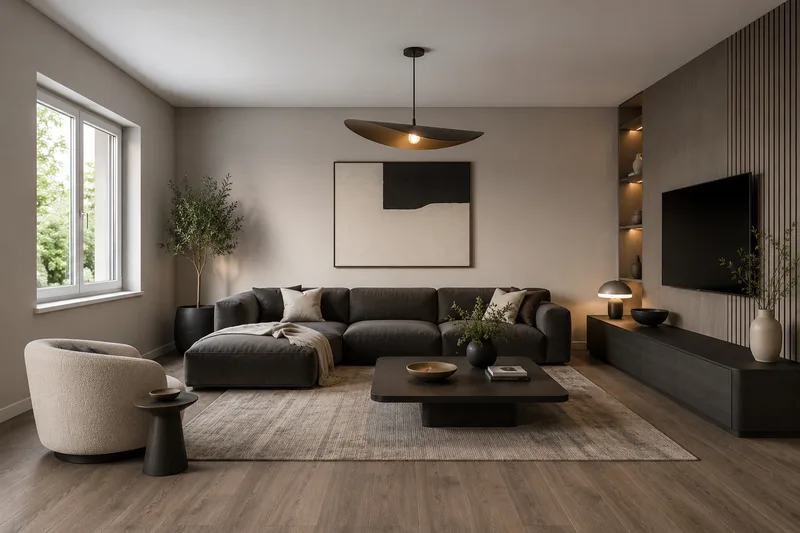
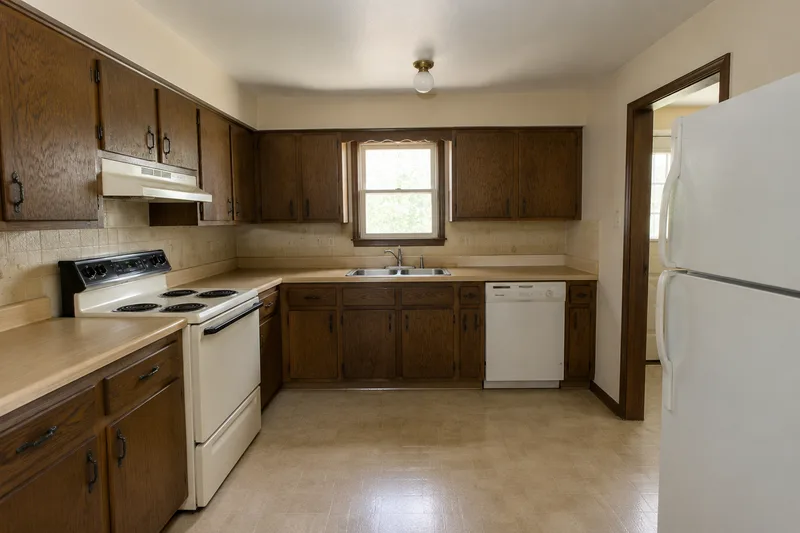
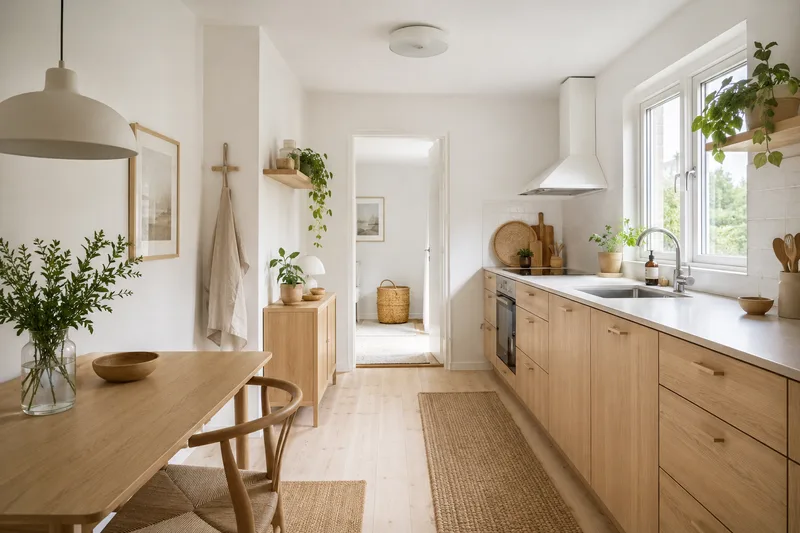
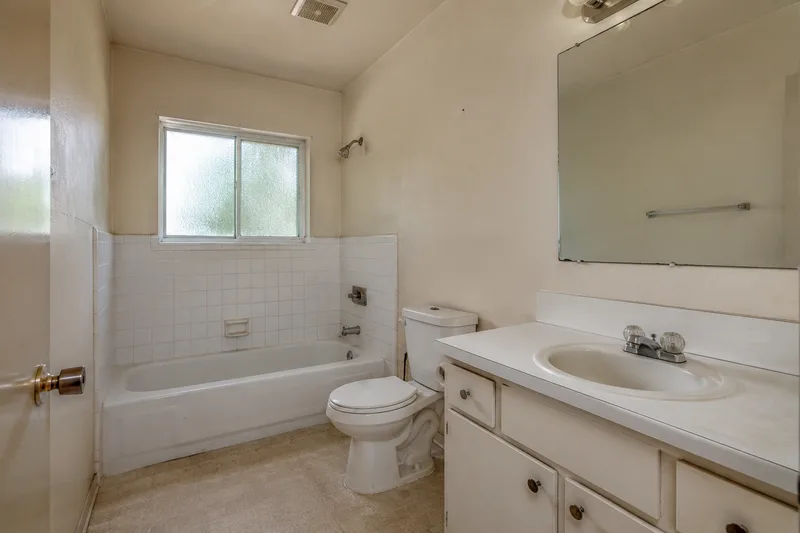
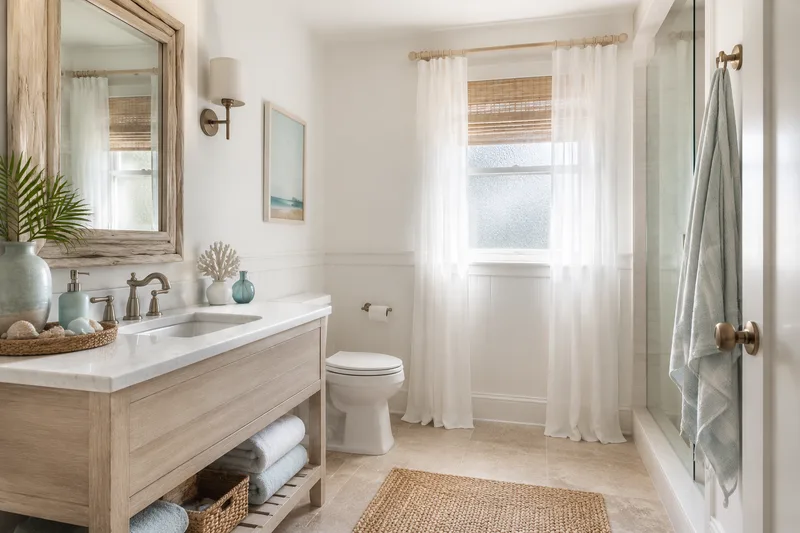
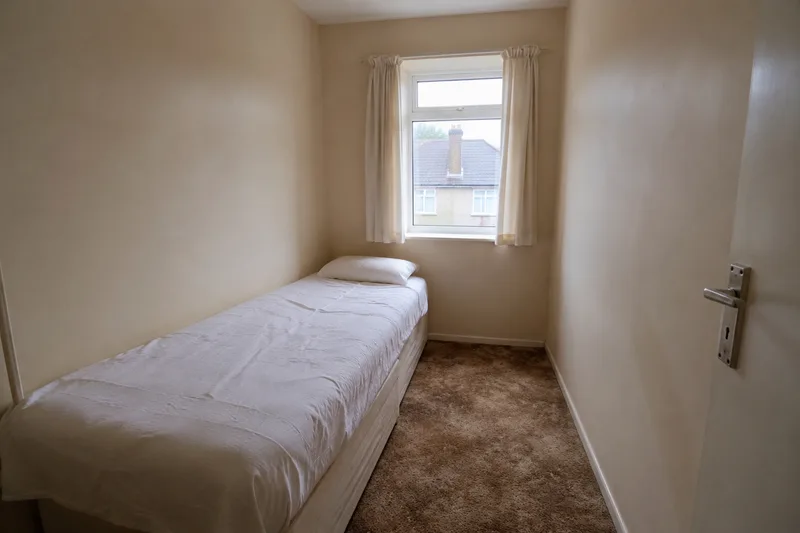
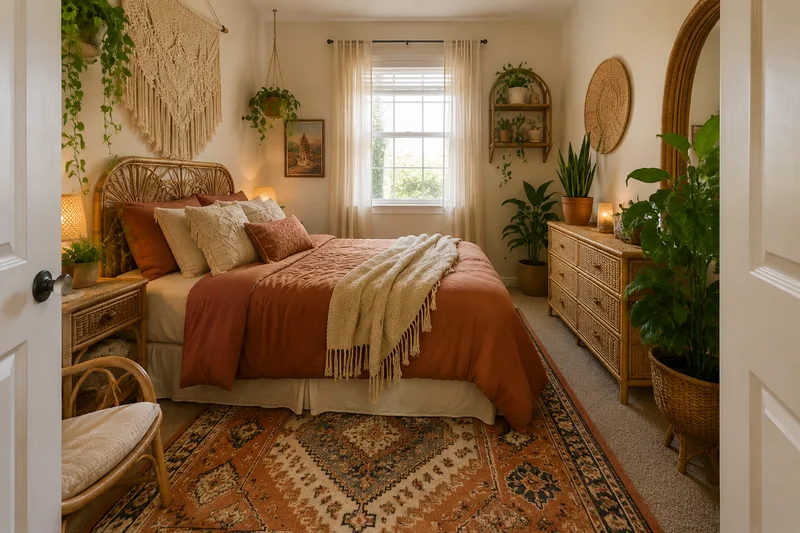
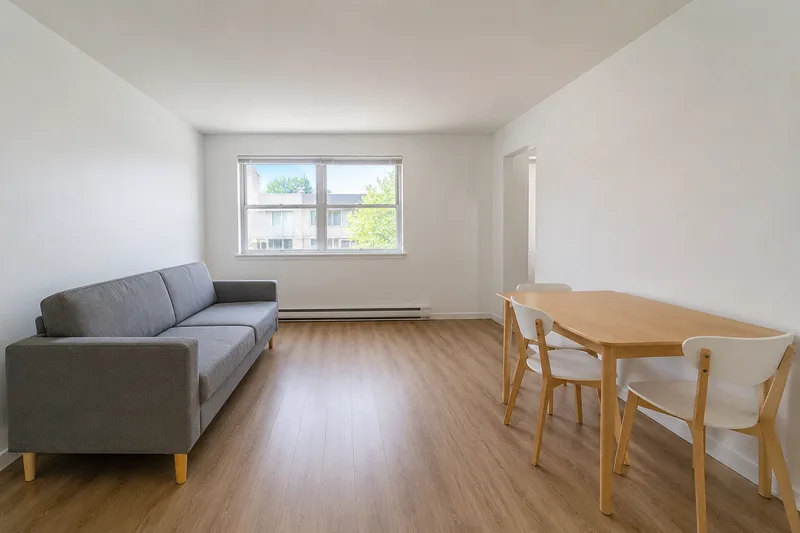
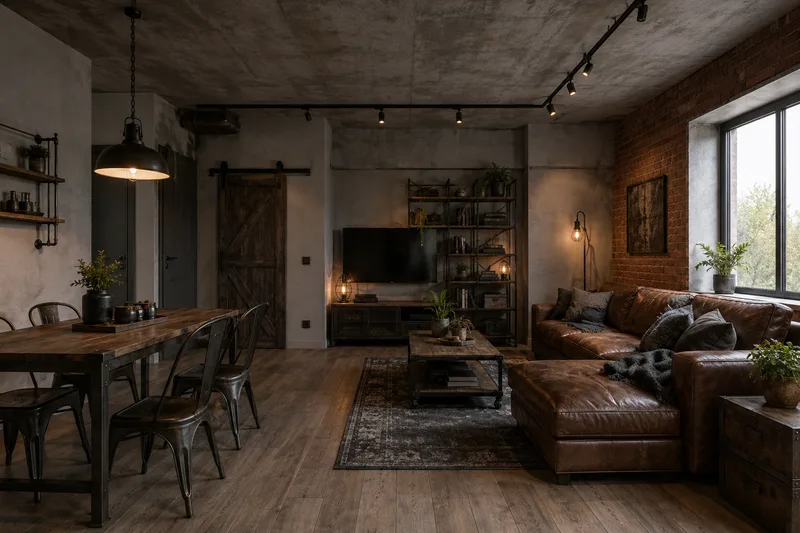
See a room restyled the way an interior designer would — same bones, new palette, materials and light. Drag the before-and-after examples, free, no login.
Free · no login · your photo is sent only when you click Redesign — to our rendering service, which the AI reads it from. We never use your photos to train models. Your result stays available for 7 days so you can come back for it.
Kept on this device for 7 days. Renders made with a credit code can also be found on any device by entering the code.
Need more than 2 a day?
Two free renders a day stay free, forever. Credit packs add more — no account, no subscription, and they never expire.
40 renders
or 20 Pro renders
$4.90
$0.12 per render · one-off
Enough to try every style in a few rooms.
100 renders
or 50 Pro renders
$9.90
$0.10 per render · one-off
For a whole home, or a listing you are staging.
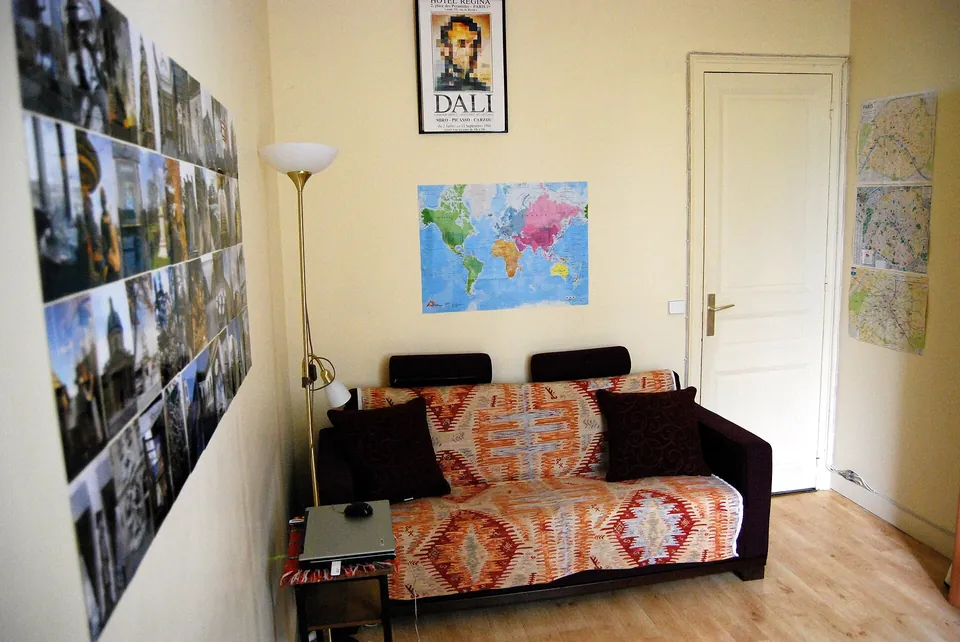
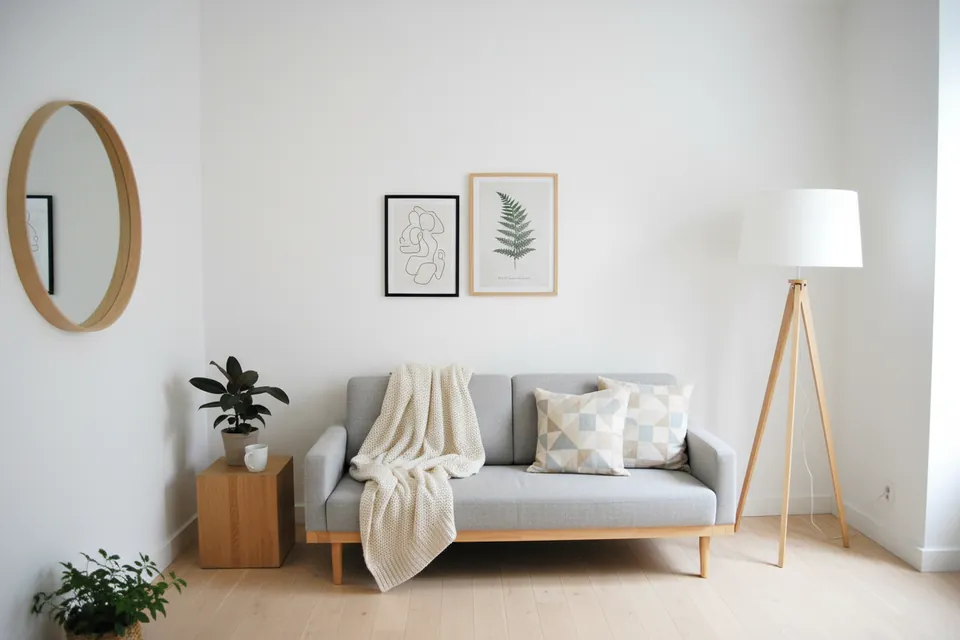
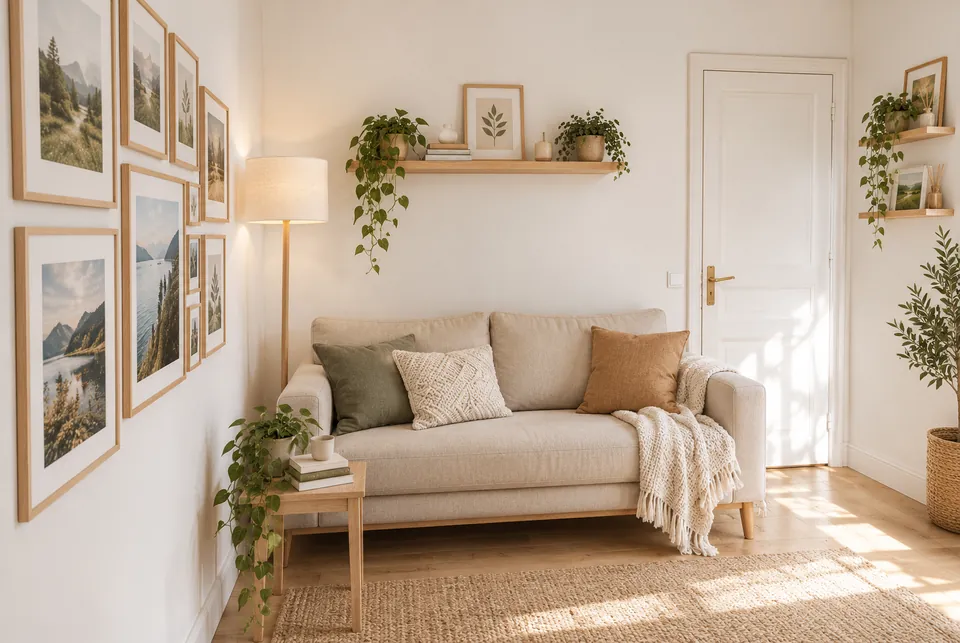
Standard vs Pro — same photo, same style
Original photo
Standard (free)
Pro
Standard dropped the door on the right. Pro kept it, along with the sofa wall and the lamp corner.
Original photo
Standard (free)
Pro
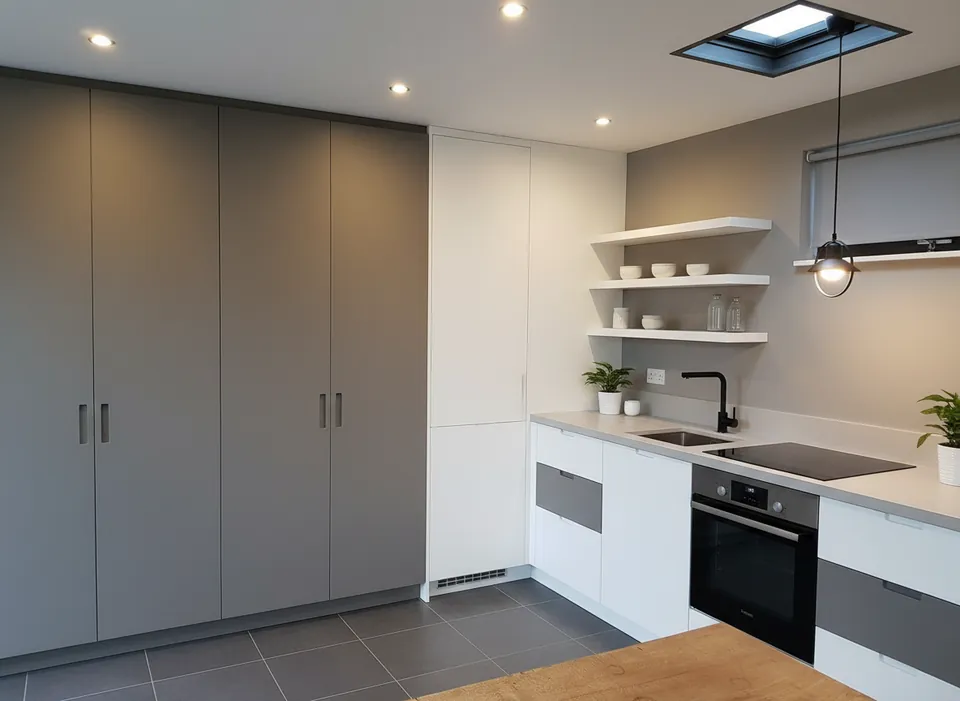
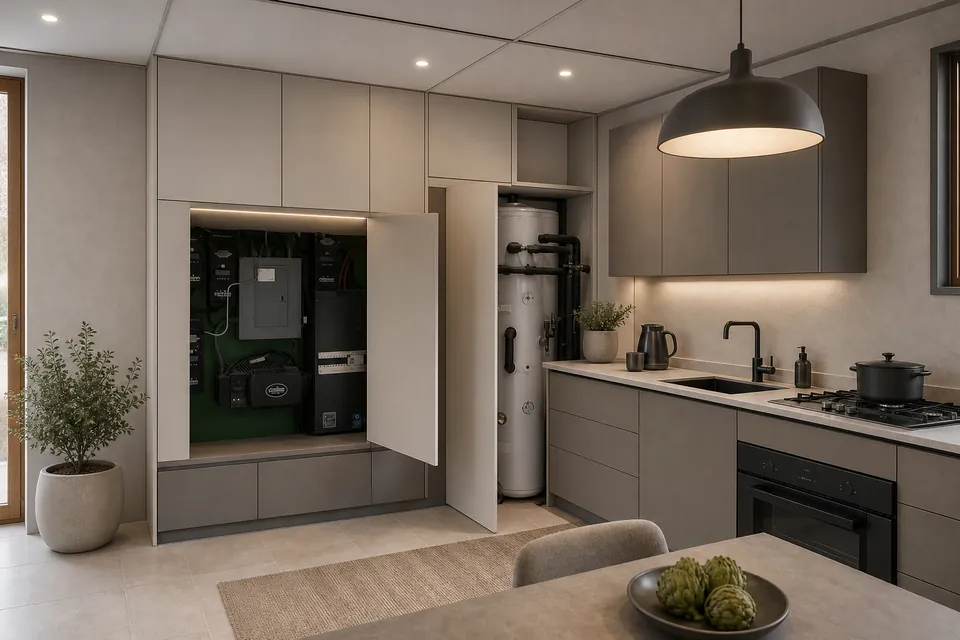
Standard replaced the open utility cupboard, the water heater and the window with plain cabinets. Pro kept all three.
Real photos, one render each (October 2026). Pro is slower and uses 2 credits; Standard stays free at 2 a day.
Your code appears on screen right after payment — no account, it works on any device, and there is nothing to cancel. Credits never expire, and purchases are final. Payment is handled by Stripe; we never see your card. Your receipt and card statement will show Clize.ai, our payments provider.
These sample rooms are AI-generated, not photos of real homes; each “after” was made from its “before” by an image model. Your own photo goes through the live tool.
Interior design is mostly decision-making: which palette, which materials, how much to keep and how much to change. The hard part is picturing those decisions before you commit money to them. Free AI interior design closes that gap — the before-and-afters render those decisions onto sample rooms so you can react to something concrete rather than a swatch.
Because the approach restyles rather than rebuilds, every after respects the room’s existing bones. That keeps the exercise honest: you are comparing like-for-like directions on the same room, not admiring a showroom that bears no relation to a lived-in space. Use the slider to weigh a calm, tonal scheme against something warmer or bolder — then upload your own photo and see the winner rendered on your actual room.
It is using AI to restyle a room from a photo — keeping the layout and changing the furniture, materials, colors and lighting to match a chosen interior style, so you can preview a direction before spending anything.
Is this free AI interior design tool any good for real planning?
It is a fast, realistic look-and-feel preview to help you choose a style and palette. For construction or a full fit-out, take the chosen render to an interior designer or contractor to spec materials and budget.
Which interior styles are available?
Six to start: modern, japandi, scandinavian, boho, industrial and coastal — each shown across multiple rooms so you can see how the style reads in your space.
Do interior designers use tools like this?
Many use AI previews early on to align with a client on direction before detailed work begins. It is a mood-and-direction tool, not a replacement for a designer’s spec and sourcing.
 Original photo
  Standard (free)
  Pro
Pro 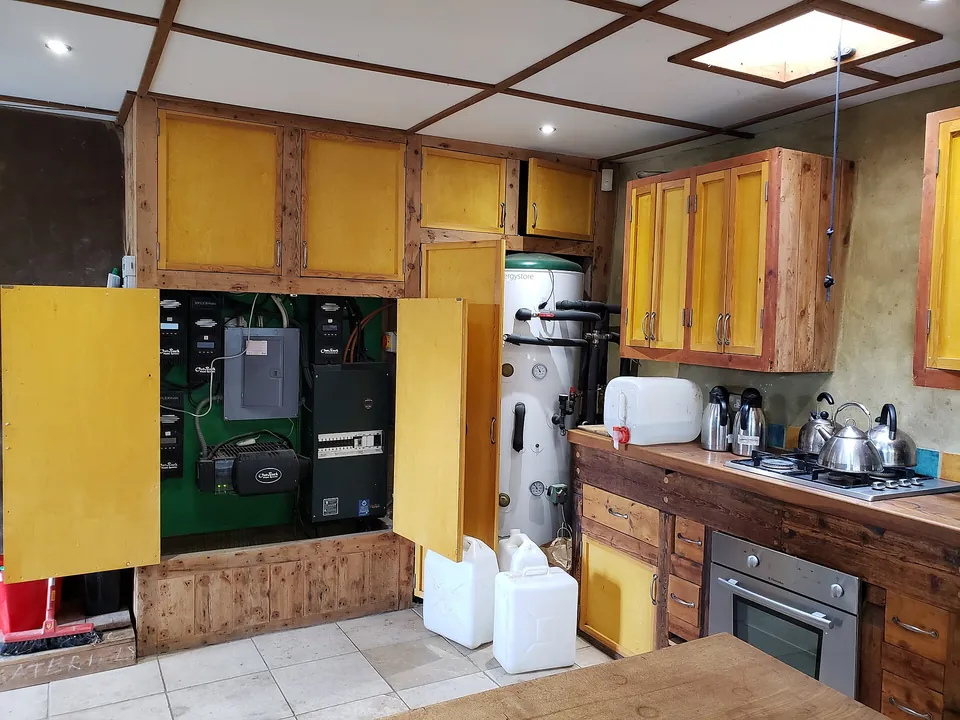 Original photo
  Standard (free)
  Pro
Pro