No account, no signup, no email gate. Browse the before-and-after examples straight away, and upload your room to render it live — 2 free renders a day.
Free · no login · your photo is sent only when you click Redesign — to our rendering service, which the AI reads it from. We never use your photos to train models. Your result stays available for 7 days so you can come back for it.
Kept on this device for 7 days. Renders made with a credit code can also be found on any device by entering the code.
Need more than 2 a day?
Two free renders a day stay free, forever. Credit packs add more — no account, no subscription, and they never expire.
40 renders
or 20 Pro renders
$4.90
$0.12 per render · one-off
Enough to try every style in a few rooms.
100 renders
or 50 Pro renders
$9.90
$0.10 per render · one-off
For a whole home, or a listing you are staging.
Standard vs Pro — same photo, same style
Original photo
Standard (free)
Pro
Standard dropped the door on the right. Pro kept it, along with the sofa wall and the lamp corner.
Original photo
Standard (free)
Pro
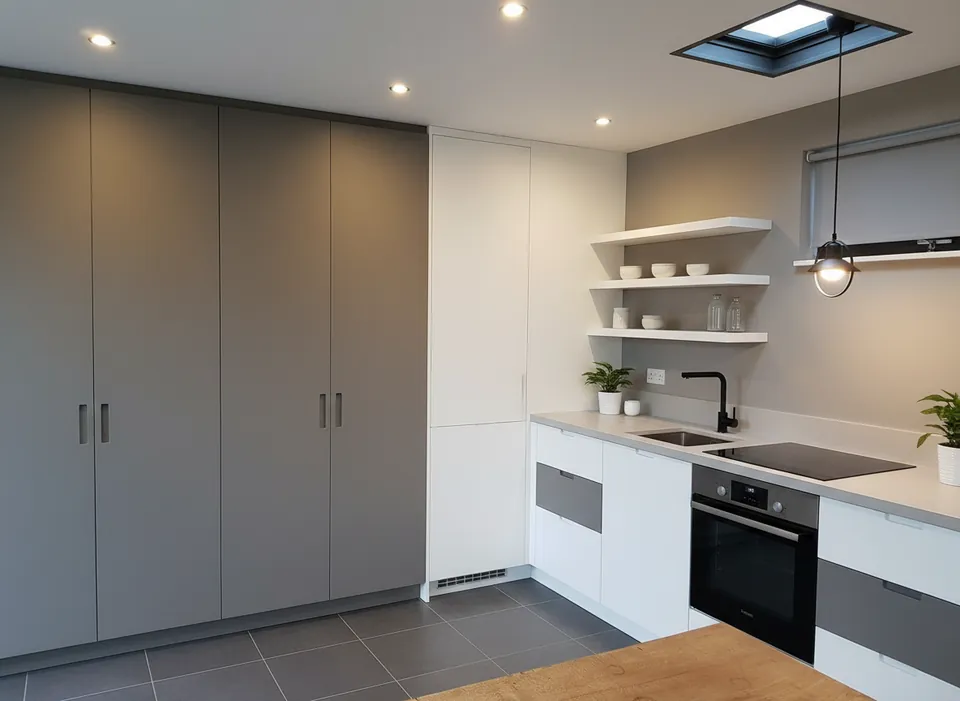
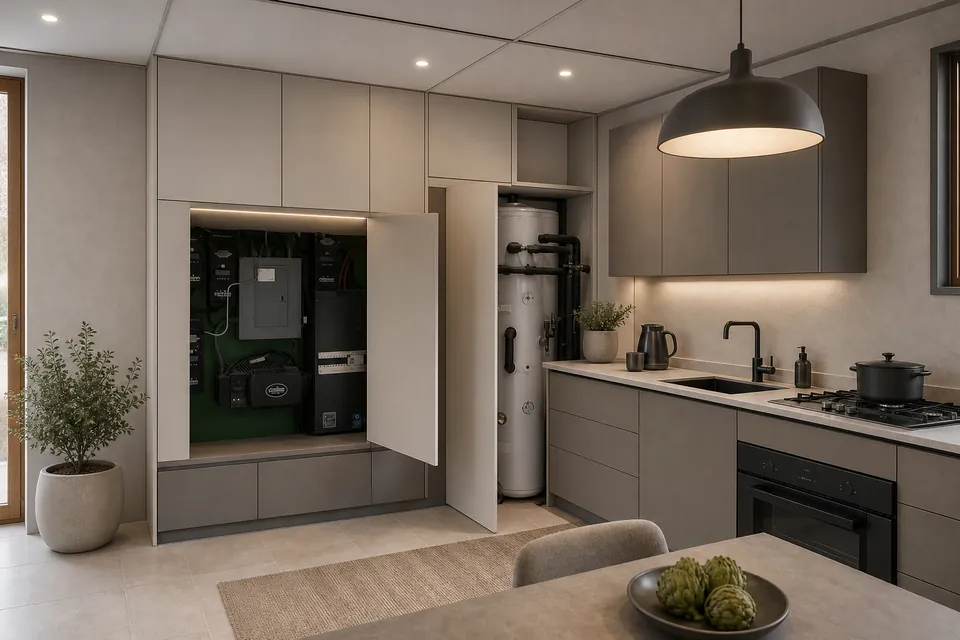
Standard replaced the open utility cupboard, the water heater and the window with plain cabinets. Pro kept all three.
Real photos, one render each (October 2026). Pro is slower and uses 2 credits; Standard stays free at 2 a day.
Your code appears on screen right after payment — no account, it works on any device, and there is nothing to cancel. Credits never expire, and purchases are final. Payment is handled by Stripe; we never see your card. Your receipt and card statement will show Clize.ai, our payments provider.
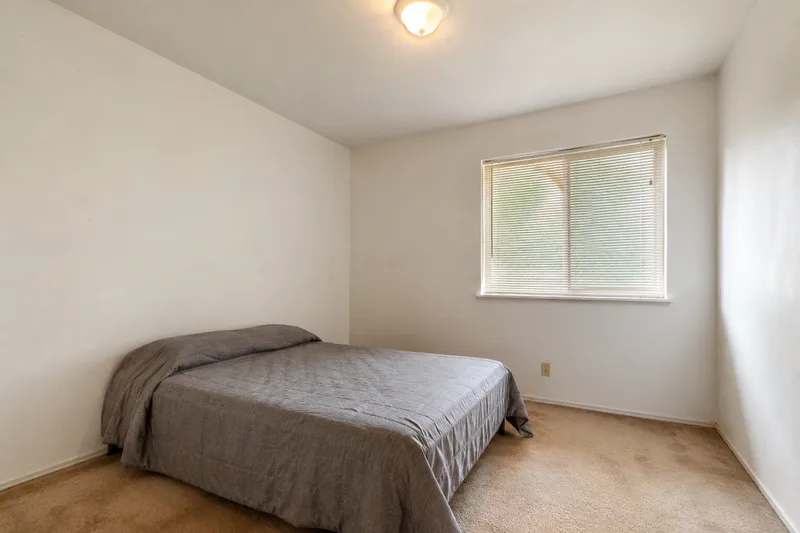
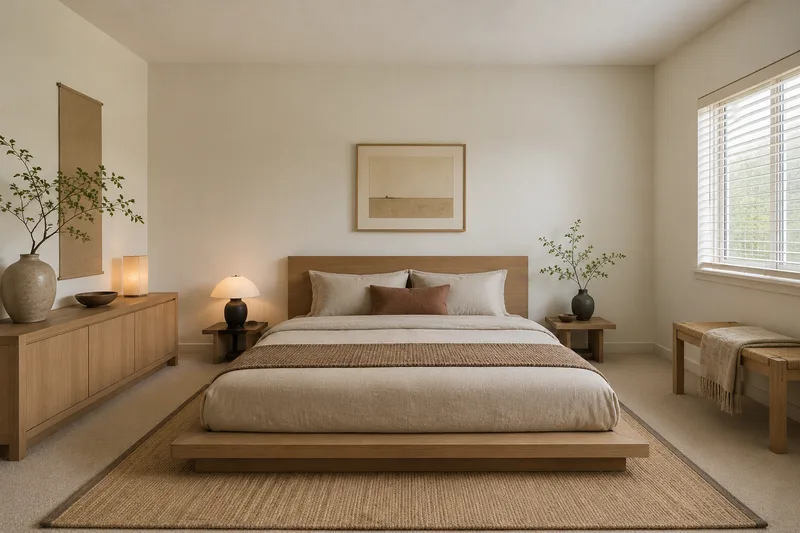
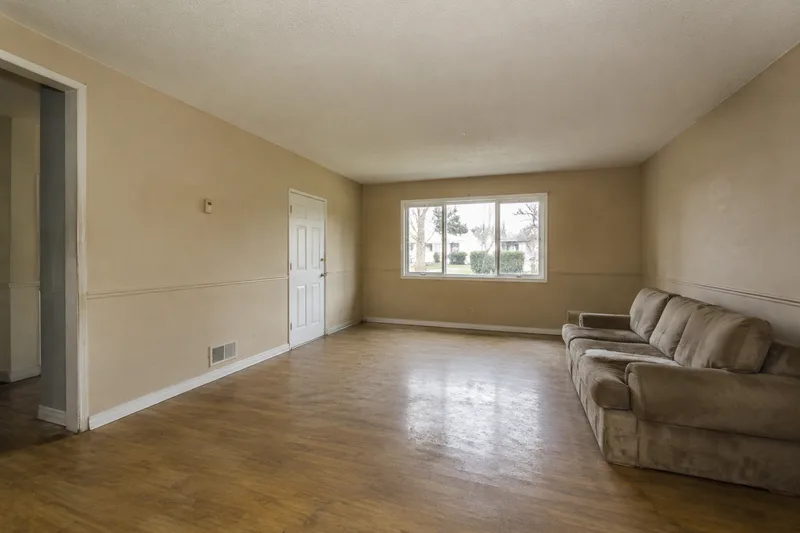
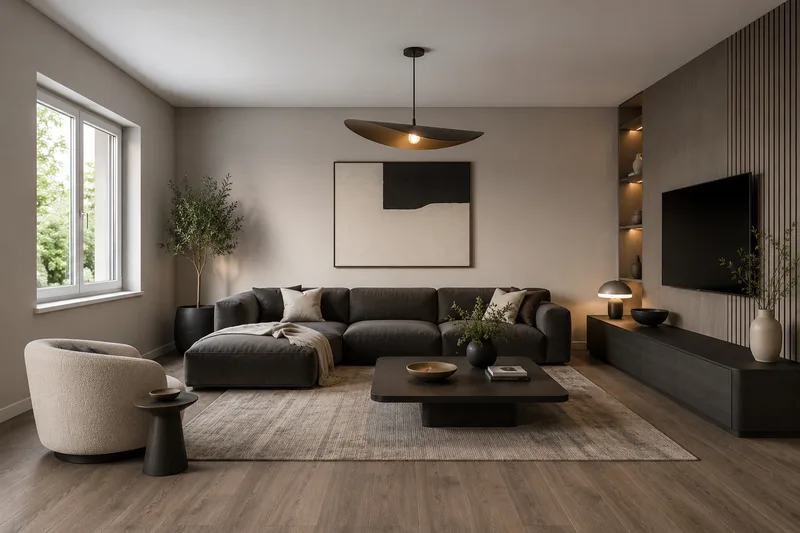
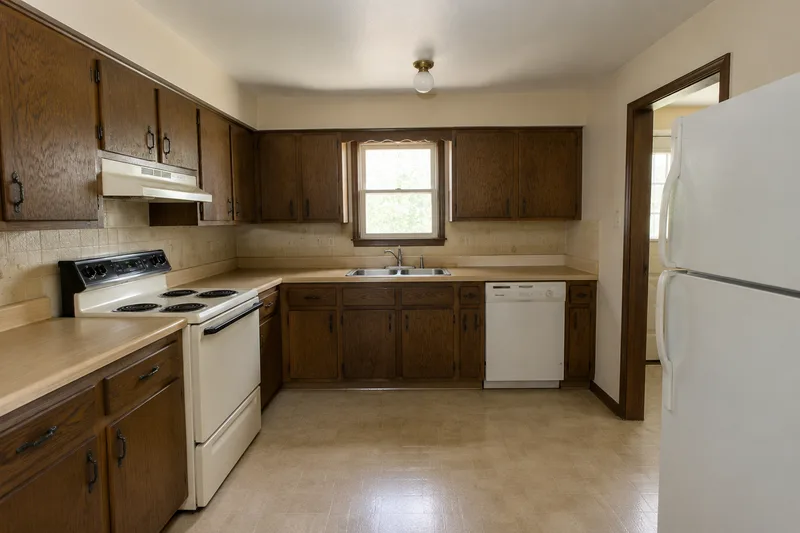
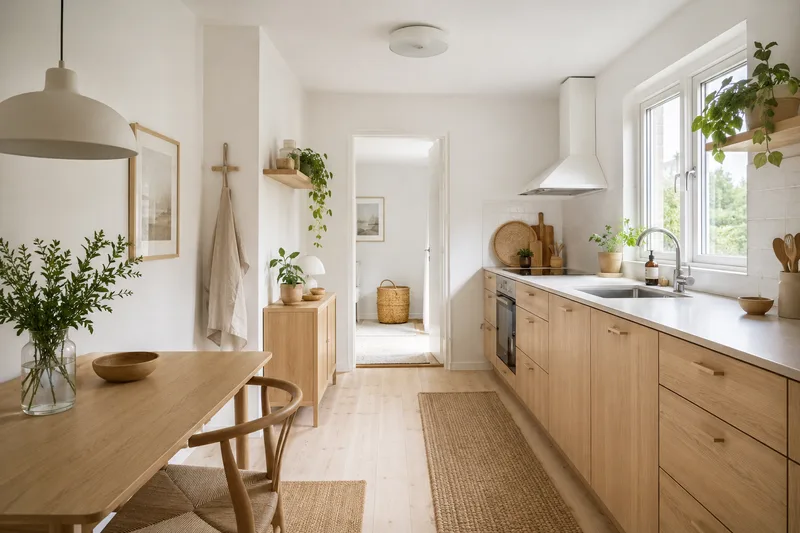
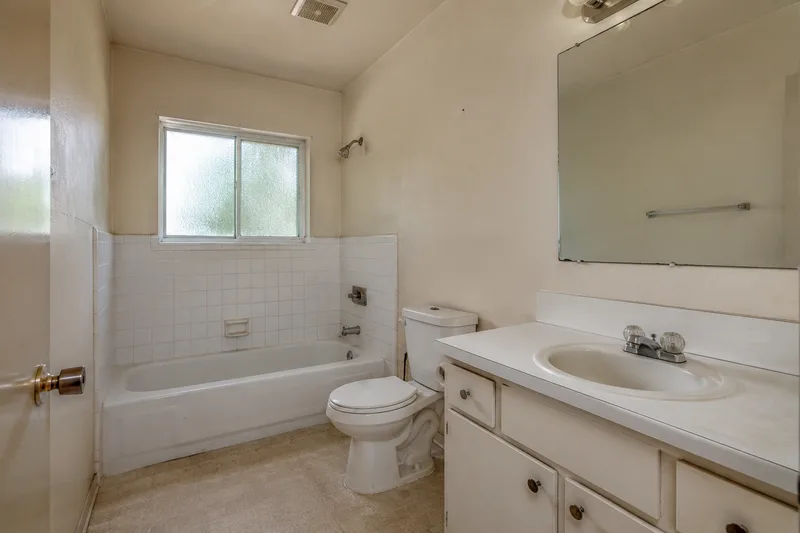
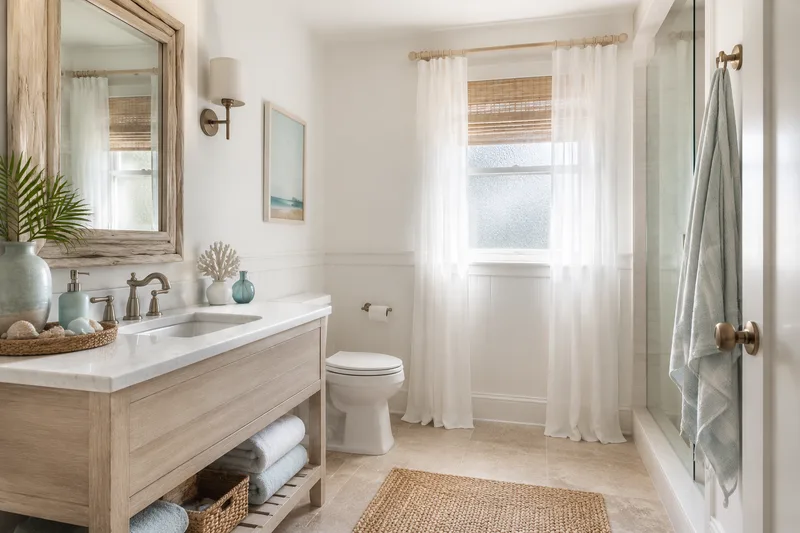
These sample rooms are AI-generated, not photos of real homes; each “after” was made from its “before” by an image model. Your own photo goes through the live tool.
Searching for AI room design “without login” usually means you’ve hit one too many signup walls. It’s a reasonable thing to want: you have a photo of your room and a question — what would this look like redesigned? — and you’d like an answer before handing over an email address.
This tool is built for exactly that. There’s no account to create and no email required to browse the before-and-afters. The full gallery is open, rendering your own room is open — 2 free renders a day — and the only optional step is leaving an email if you want occasional updates on new styles and higher limits. Privacy is the default, not a setting.
Prefer to just browse? Start with the style galleries or pick a room — all of it without logging in.
FAQ
No-login AI room design FAQ
Do I really not need to log in or sign up?
Correct. There is no account, no login and no signup. You land on the tool, pick a room and style and browse the before-and-after examples — nothing is gated behind registration.
Is there an email wall before I can see results?
No. The before-and-after gallery is open with no email required. Live rendering of your own photo needs no email either — 2 free renders a day. Leaving an email is optional, for occasional updates on new styles.
Where does my photo go if there’s no account?
Nowhere it doesn’t need to. Browsing never uploads anything. When you render, your photo is sent only to generate that redesign, is not stored, and is never used to train models.
Why do most AI room tools ask you to sign up?
Usually to capture an email or push a subscription before you see value. This tool flips that: the gallery and live rendering are open with no signup, and you only pay if you want more than the 2 free renders a day — a one-off credit pack, no account and no subscription.
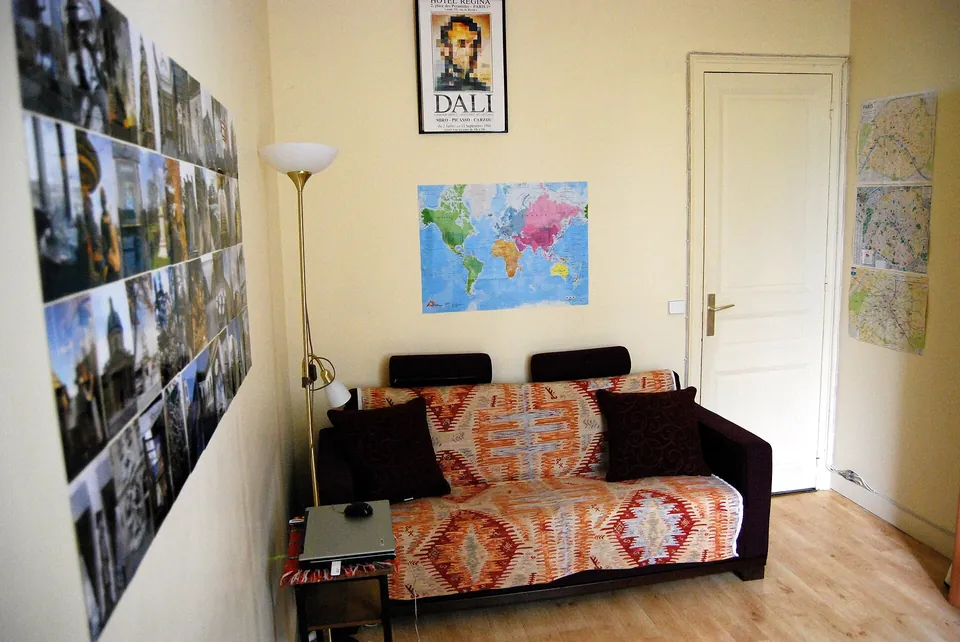 Original photo
 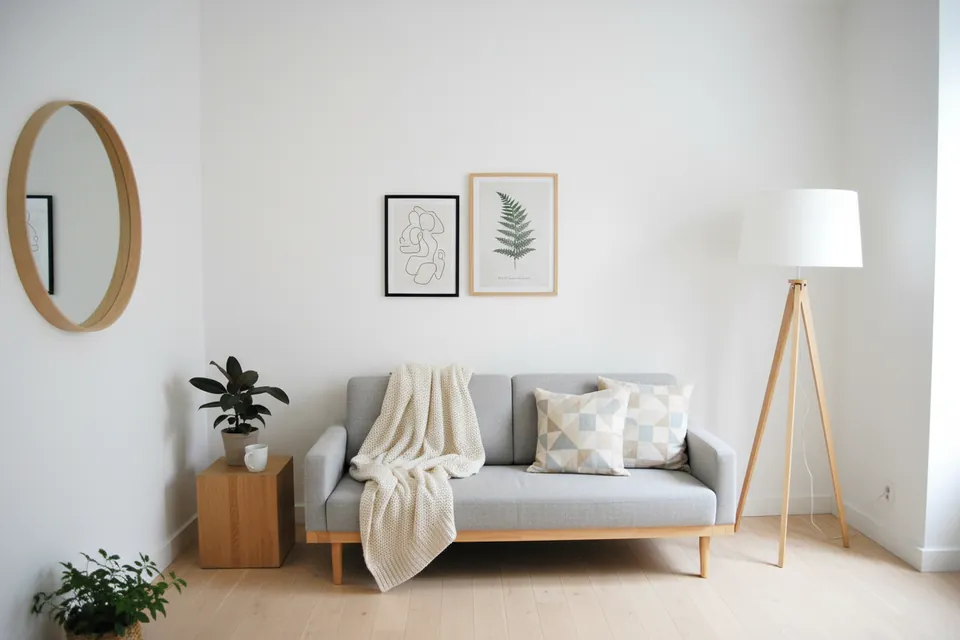 Standard (free)
 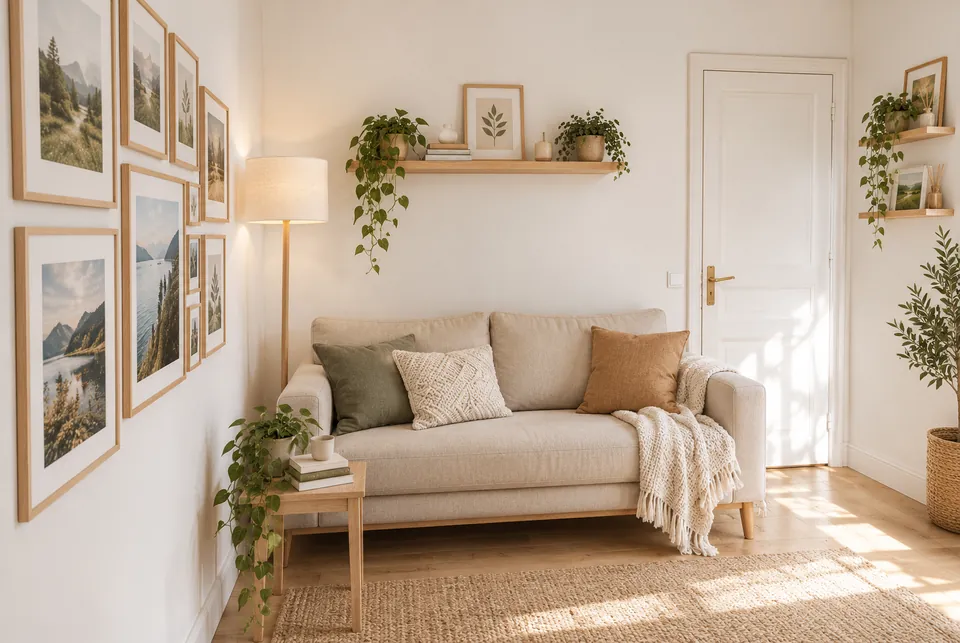 Pro
Pro 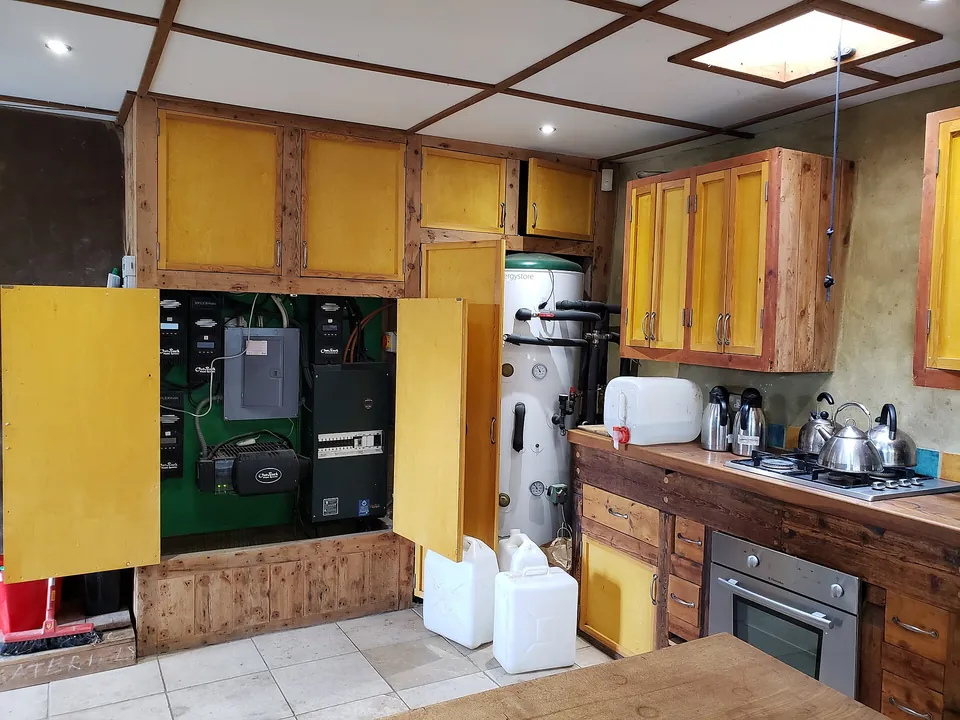 Original photo
  Standard (free)
  Pro
Pro