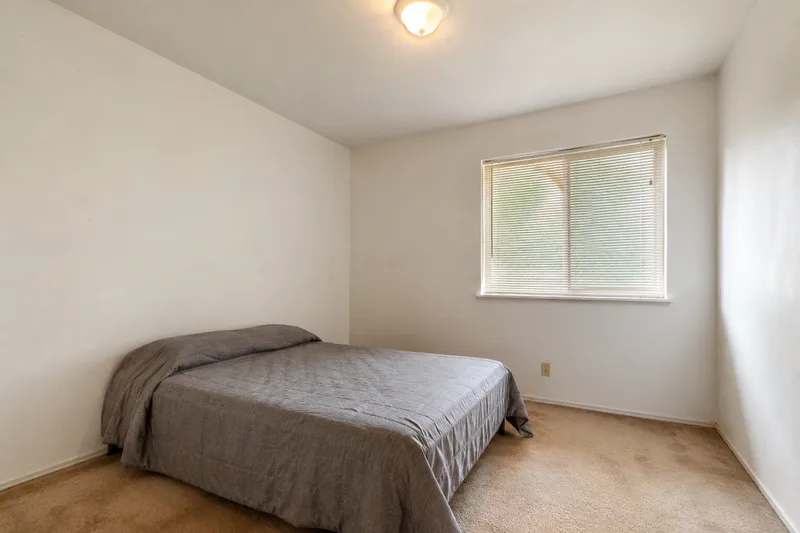
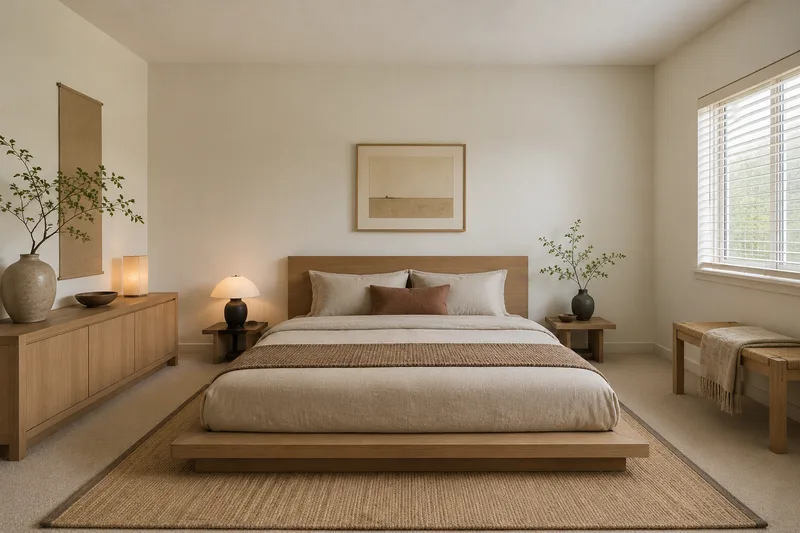
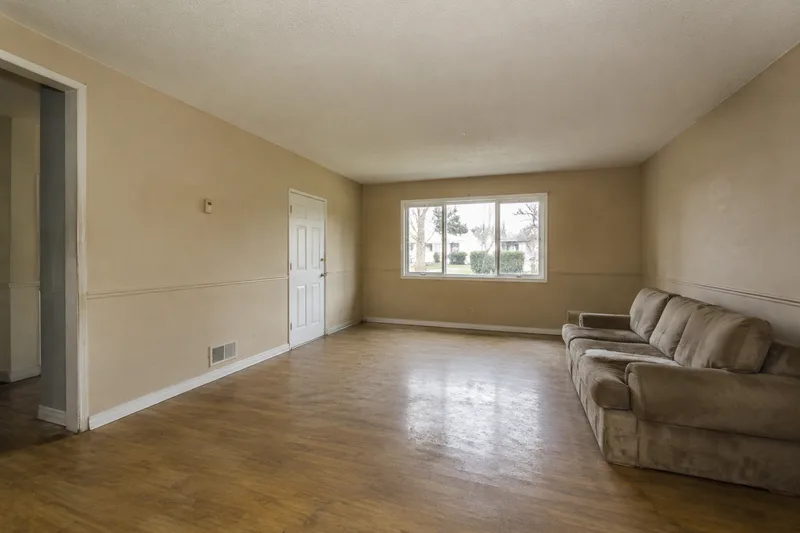
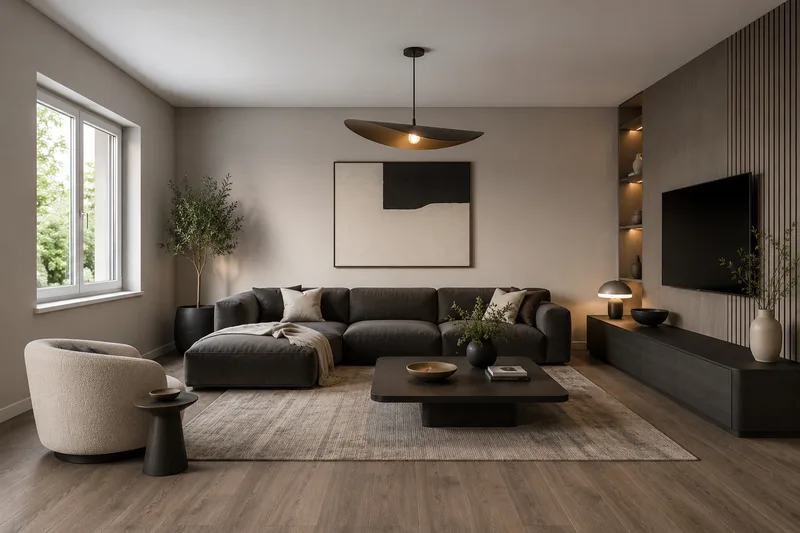
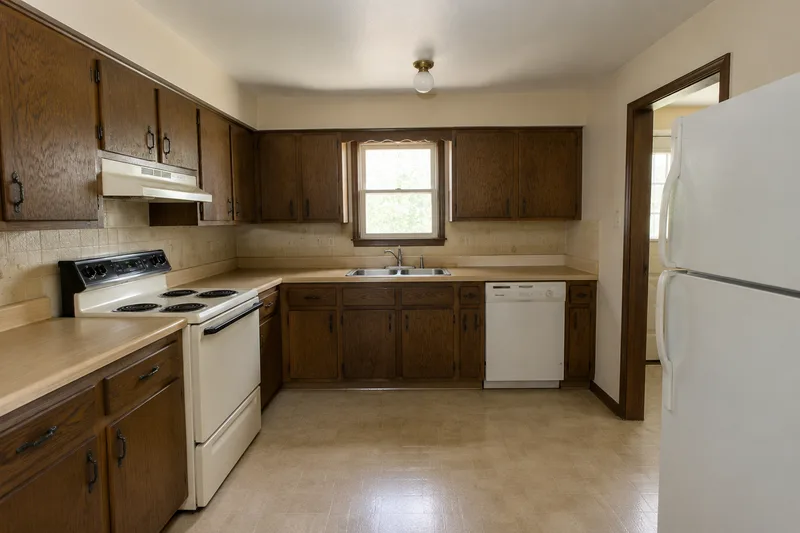
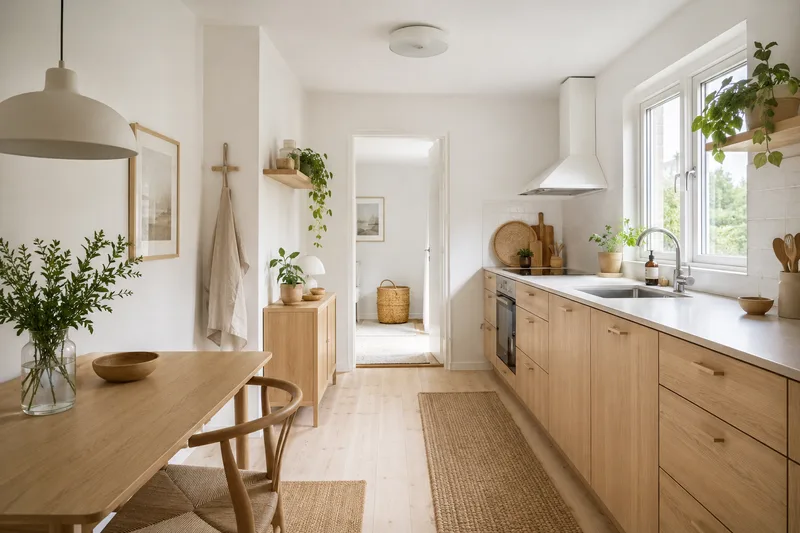
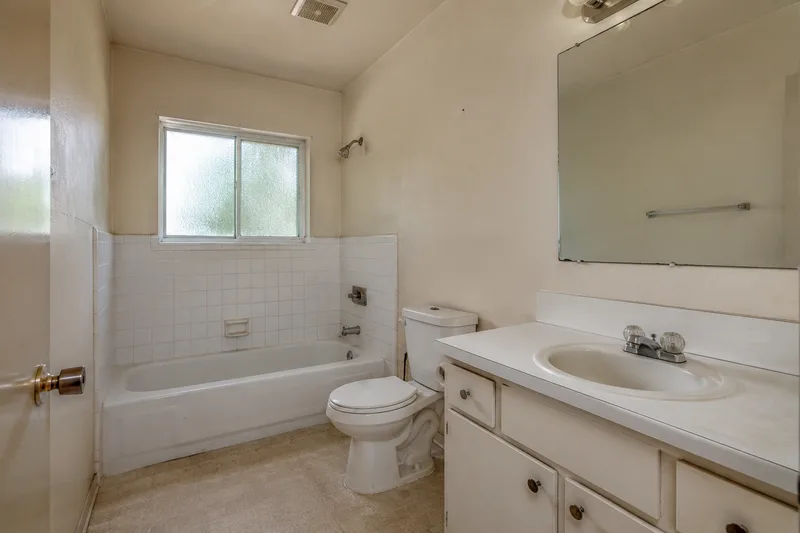
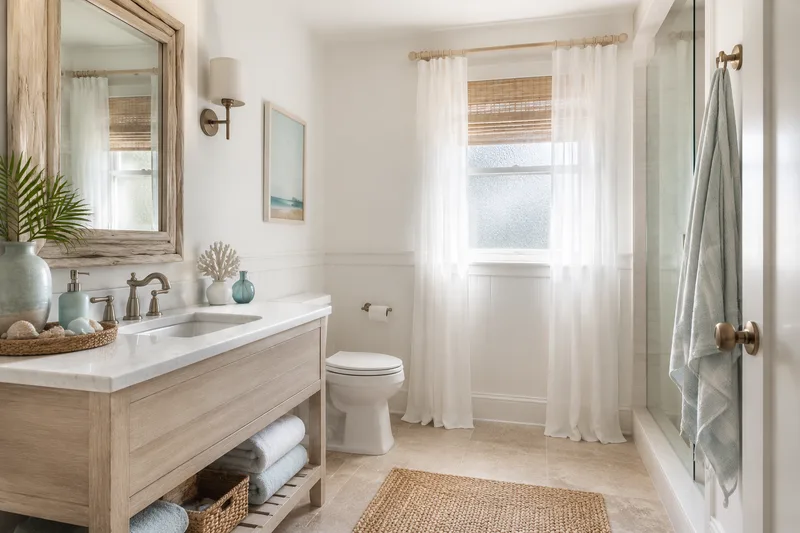
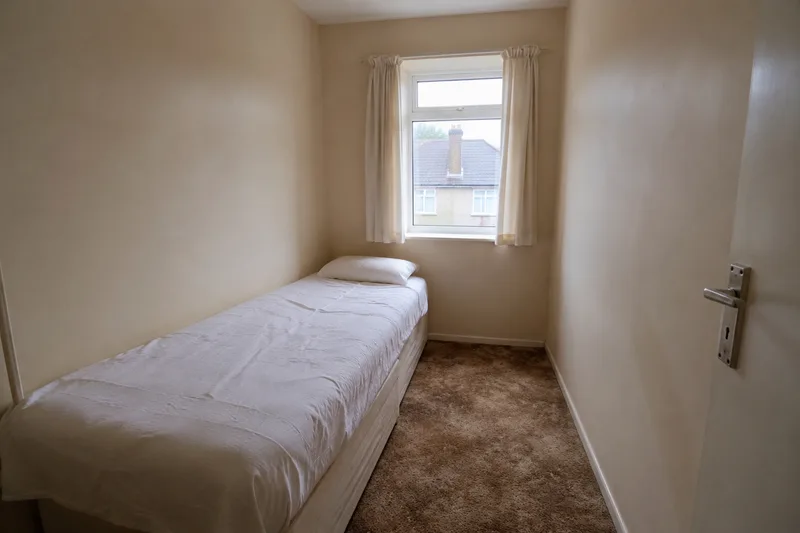
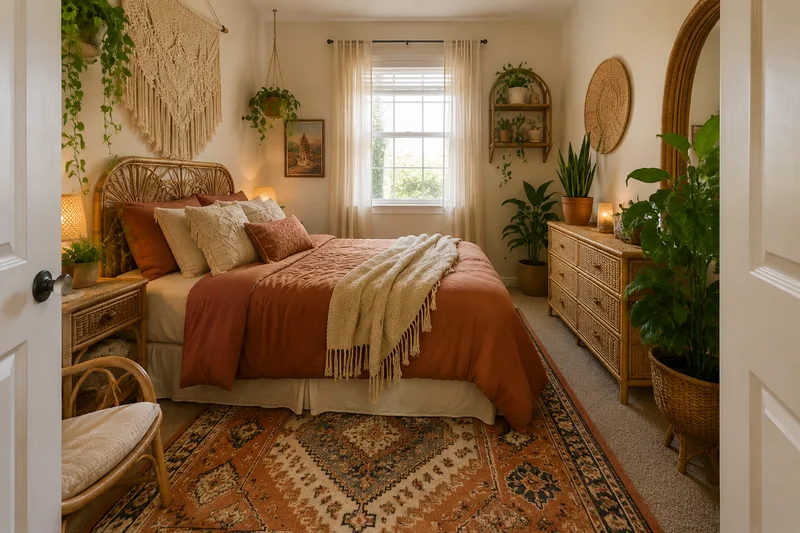
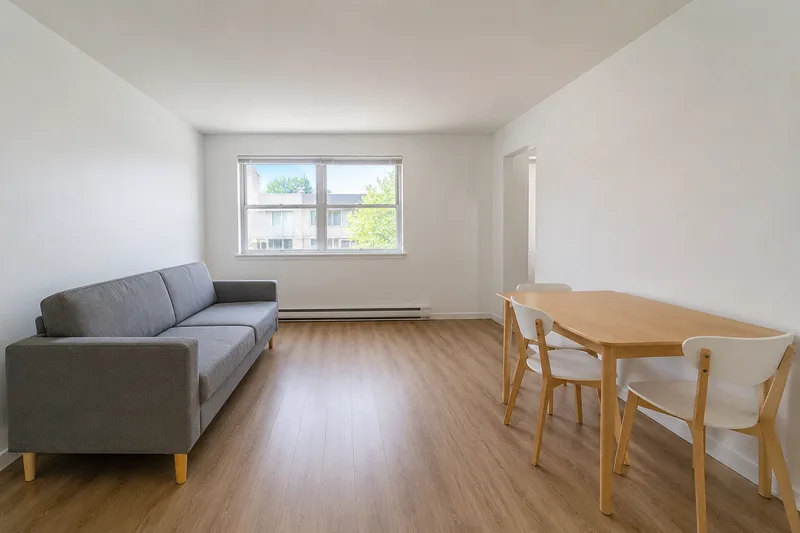
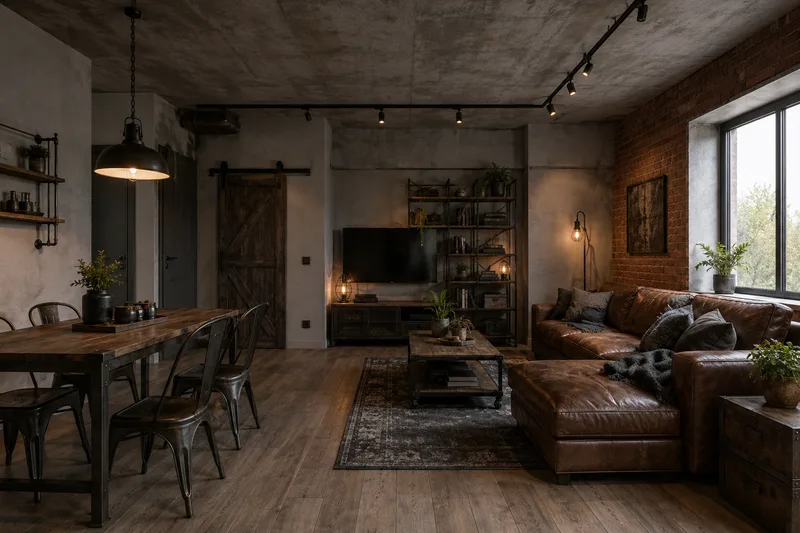
Browse AI before-and-after examples in six styles, then upload your own room and render it live — no account, no catch.
Free · no login · your photo is sent only when you click Redesign — to our rendering service, which the AI reads it from. We never use your photos to train models. Your result stays available for 7 days so you can come back for it.
Kept on this device for 7 days. Renders made with a credit code can also be found on any device by entering the code.
Need more than 2 a day?
Two free renders a day stay free, forever. Credit packs add more — no account, no subscription, and they never expire.
40 renders
or 20 Pro renders
$4.90
$0.12 per render · one-off
Enough to try every style in a few rooms.
100 renders
or 50 Pro renders
$9.90
$0.10 per render · one-off
For a whole home, or a listing you are staging.
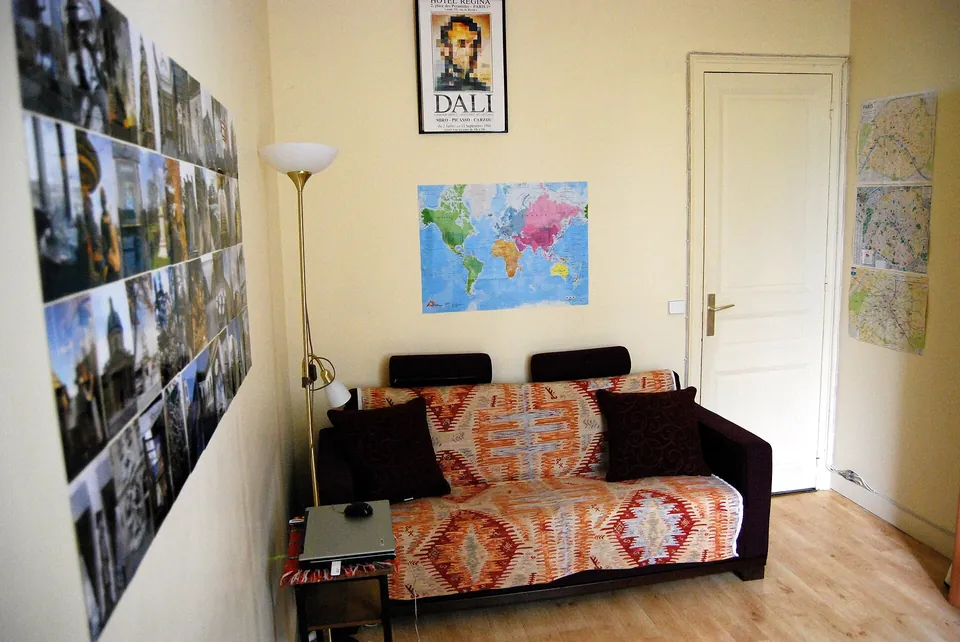
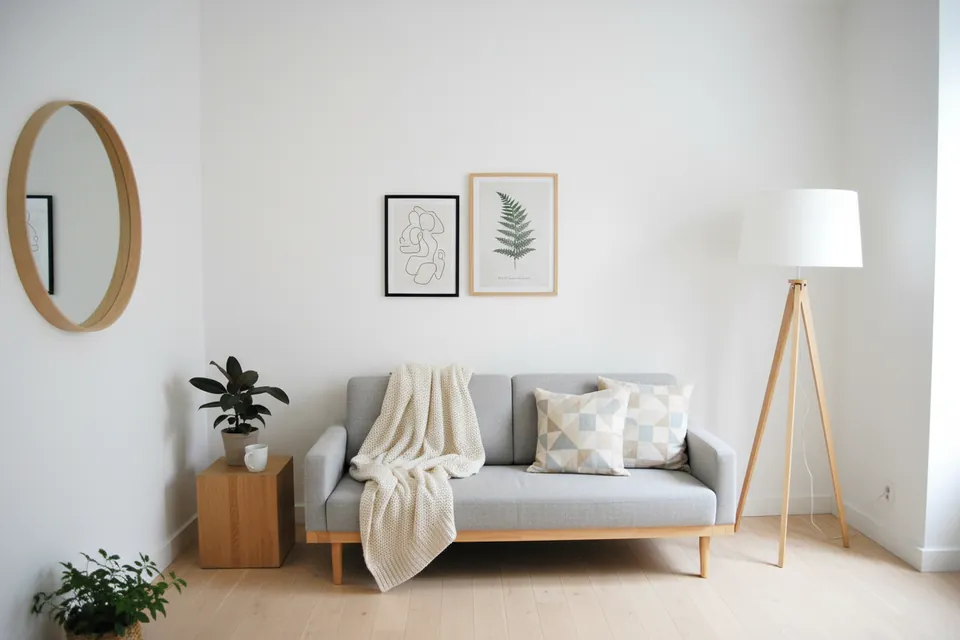
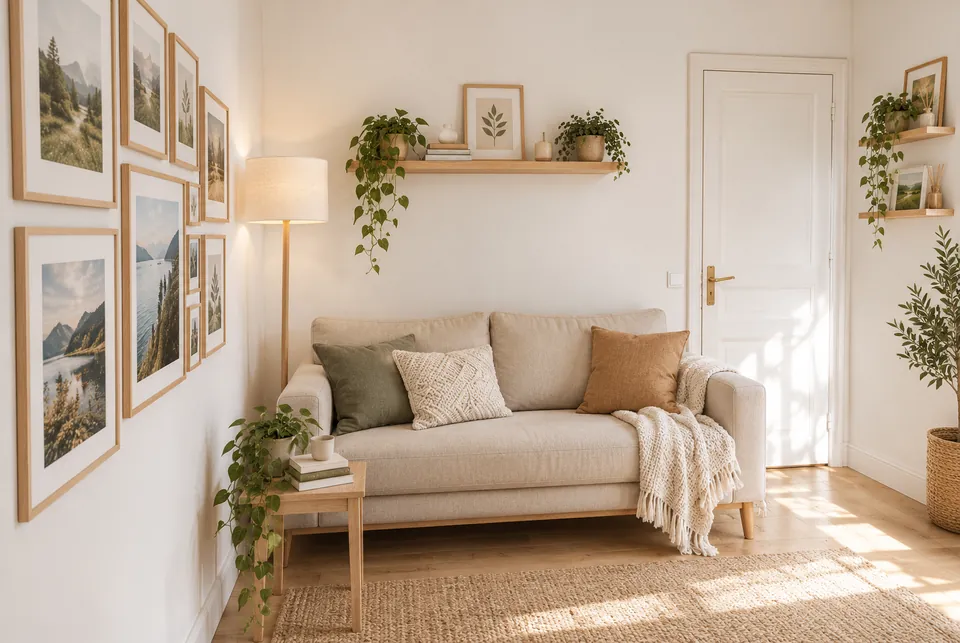
Standard vs Pro — same photo, same style
Original photo
Standard (free)
Pro
Standard dropped the door on the right. Pro kept it, along with the sofa wall and the lamp corner.
Original photo
Standard (free)
Pro
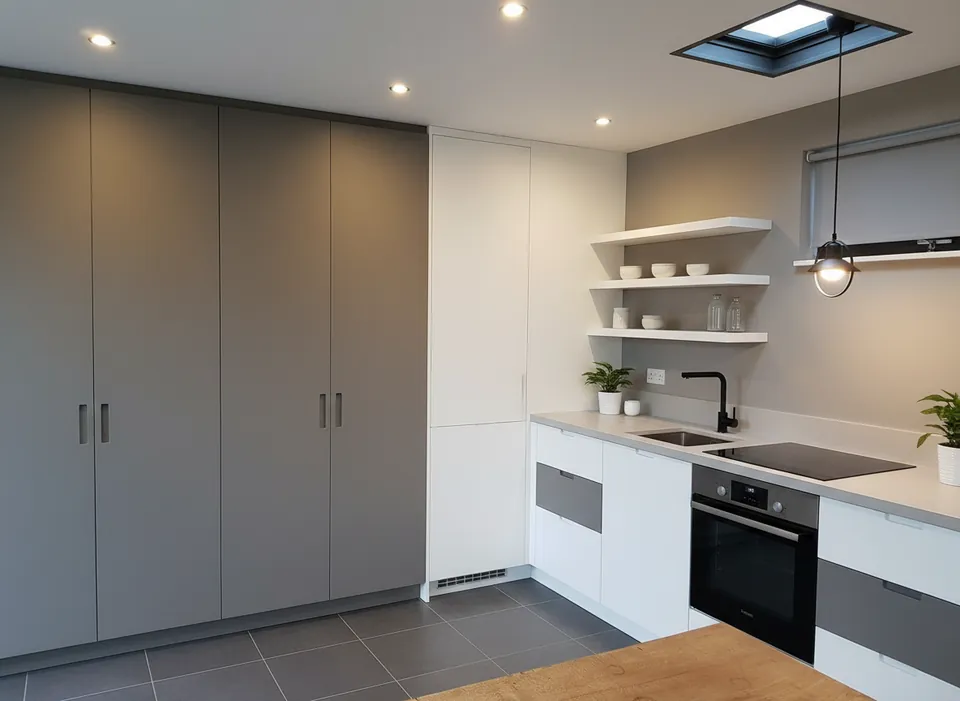
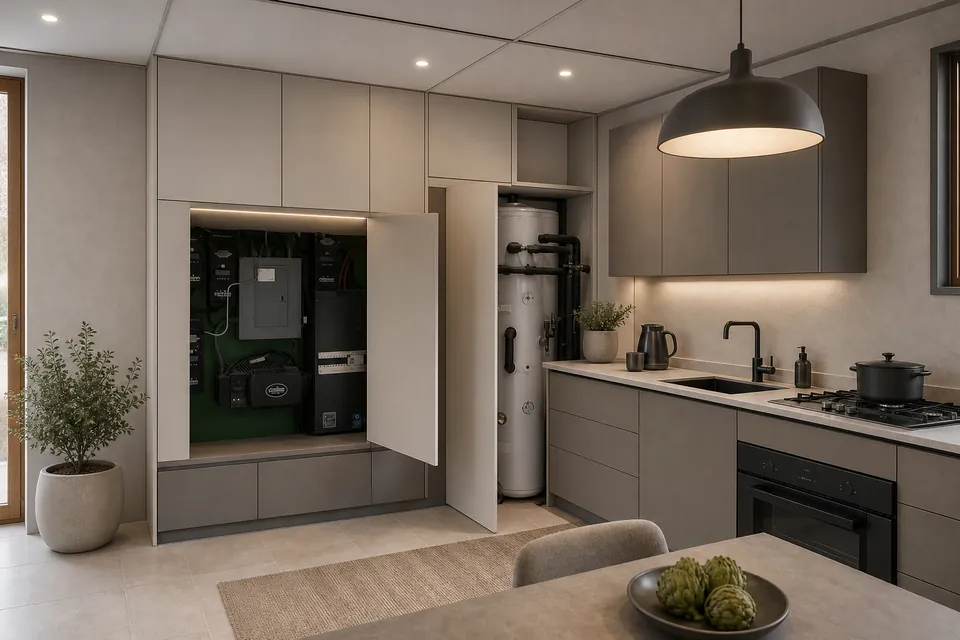
Standard replaced the open utility cupboard, the water heater and the window with plain cabinets. Pro kept all three.
Real photos, one render each (October 2026). Pro is slower and uses 2 credits; Standard stays free at 2 a day.
Your code appears on screen right after payment — no account, it works on any device, and there is nothing to cancel. Credits never expire, and purchases are final. Payment is handled by Stripe; we never see your card. Your receipt and card statement will show Clize.ai, our payments provider.
These sample rooms are AI-generated, not photos of real homes; each “after” was made from its “before” by an image model. Your own photo goes through the live tool.
Free AI room design tools used to mean a watermark, a signup wall, or a single render before the paywall. This one is built the other way around: the value is the before-and-after gallery, which costs nothing to browse and needs no login. Live rendering of your own photo is on — 2 free renders a day, no signup; if you want more, a credit pack adds renders for a one-off price, still with no account.
The approach is honest about what it shows. Each redesign is asked to keep the room’s layout — walls, windows, proportions — and to change only the furniture, materials, colors and lighting. The sample pairs mostly hold to that, and your own photo usually keeps its camera angle and shell too, but doors, fixtures and windows can move or disappear, so check the result against your room. The home page shows four real photos run through the tool, including where it did not hold the room.
Yes. Browsing every before-and-after redesign is free with no login, and rendering your own room photo is free too — 2 live renders a day. Credit packs add more renders for a one-off price if you want them, but the core is free.
Can I redesign my own room photo right now?
Yes. Upload a photo, pick a style and click Redesign — you get 2 free renders a day, no account. Your photo is sent only for that render, never stored, and never used to train models.
What rooms and styles can I design?
Bedrooms, living rooms, kitchens, bathrooms, small bedrooms and apartment living rooms, each across six styles — modern, japandi, scandinavian, boho, industrial and coastal.
Do I need design skills to use it?
No. Pick a room and a style and drag the slider on the before-and-after examples to compare directions. The styles do the design thinking for you, so you read the look rather than build it.
Is this free AI home design tool limited to one room at a time?
It renders one room per photo, but you can run every room of a home through it — bedroom, living room, kitchen, bathroom — at 2 free renders a day. Free AI home design here means no account, no card and no watermark, not a trial that expires.
 Original photo
  Standard (free)
  Pro
Pro 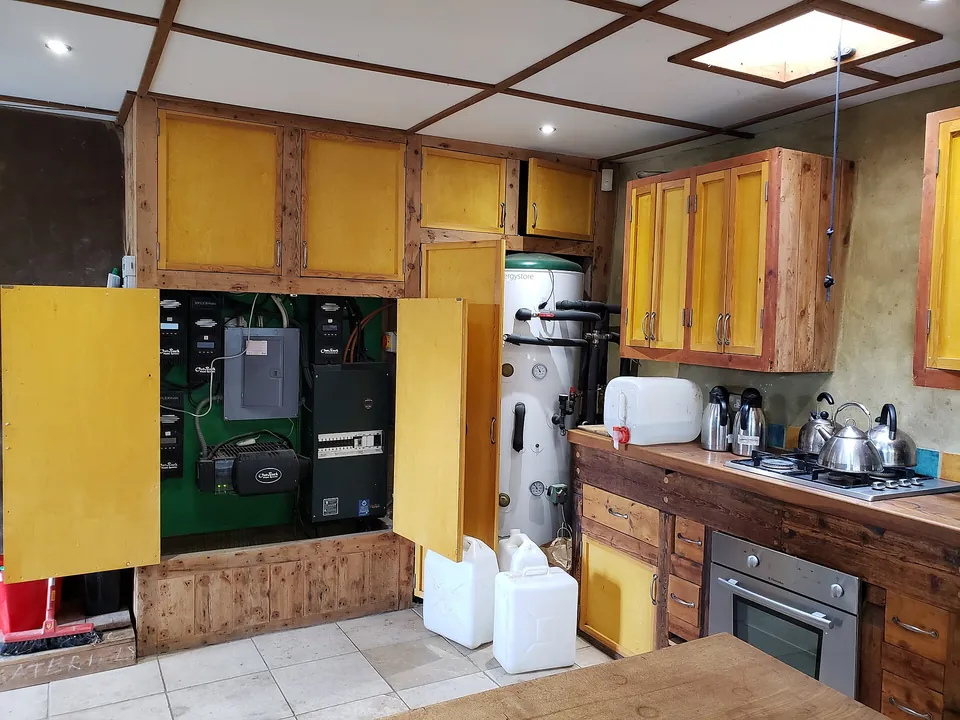 Original photo
  Standard (free)
  Pro
Pro