Redesign any room, free.
Upload a room photo and watch AI restyle it — your layout kept, the look reimagined. No account, no email wall.
Real before & after · Six interior styles · Photos stay in your browser
Free · no login · your photo stays in your browser — it is not uploaded while live rendering is off.
Live rendering is in early access
Real rooms, six ways
Every image below is an AI before-and-after — drag the slider to reveal the redesign.
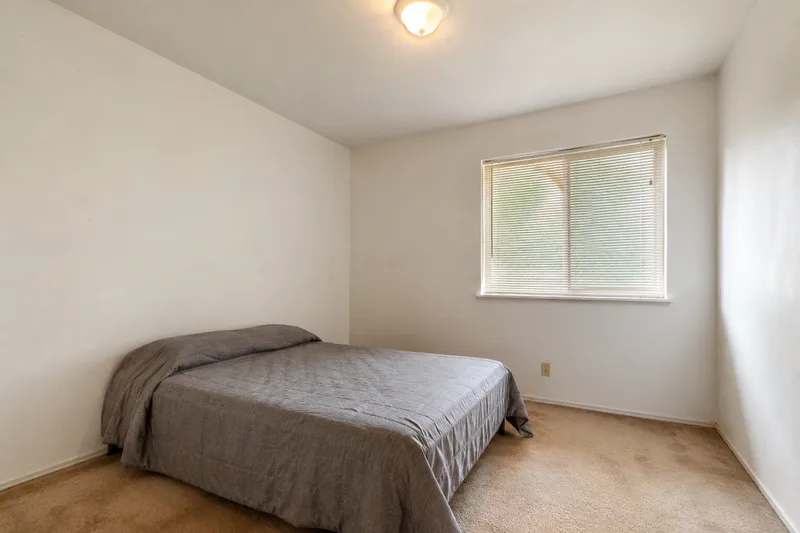
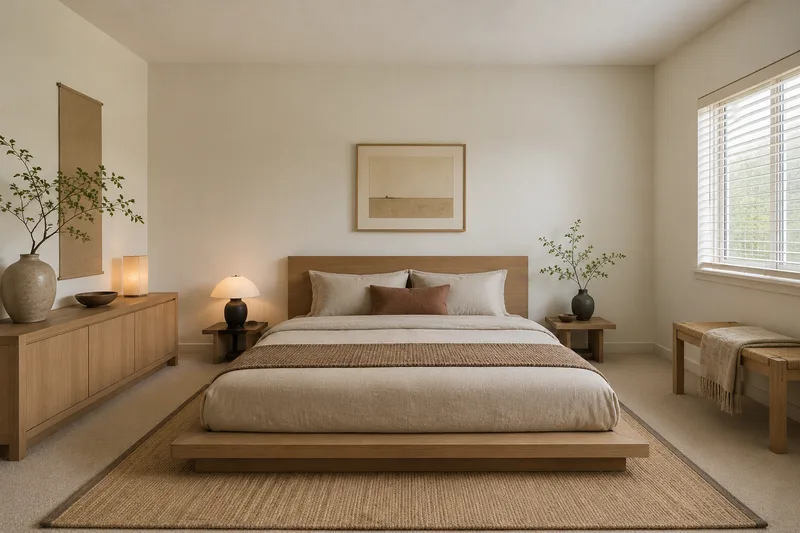
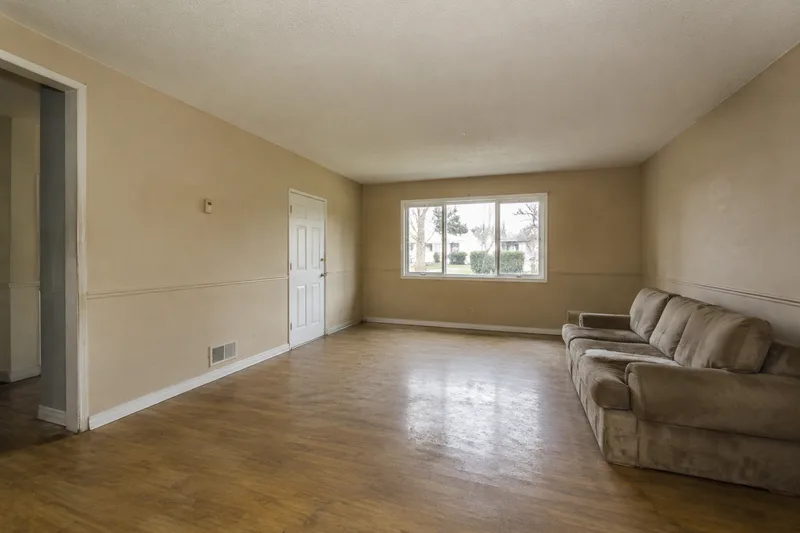
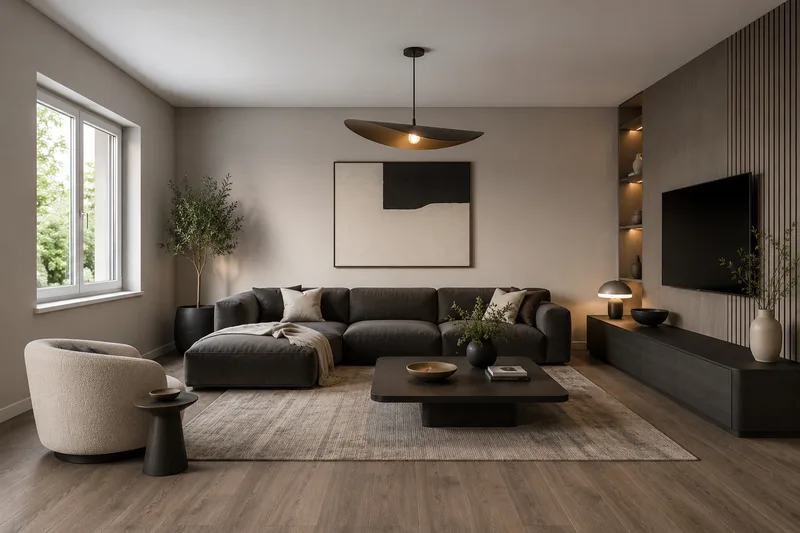
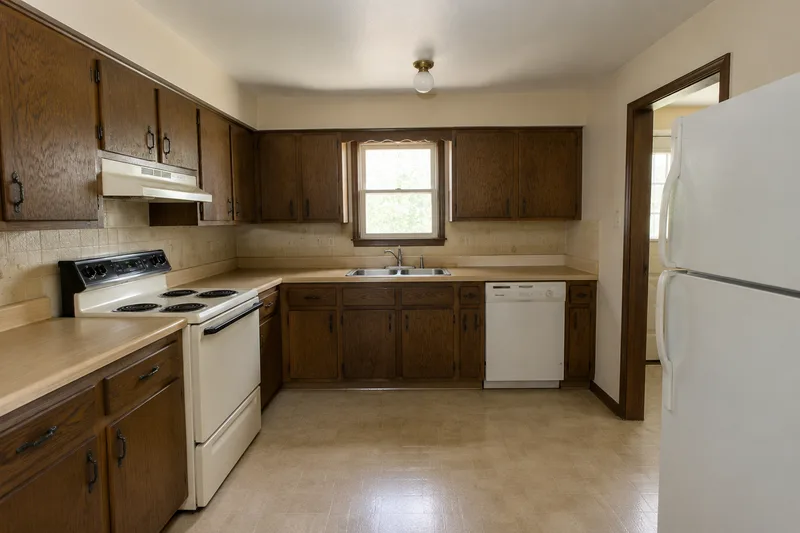
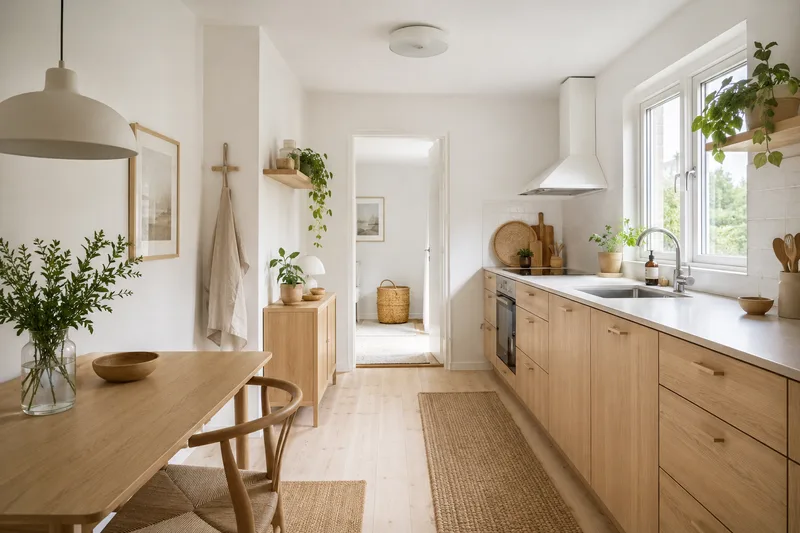
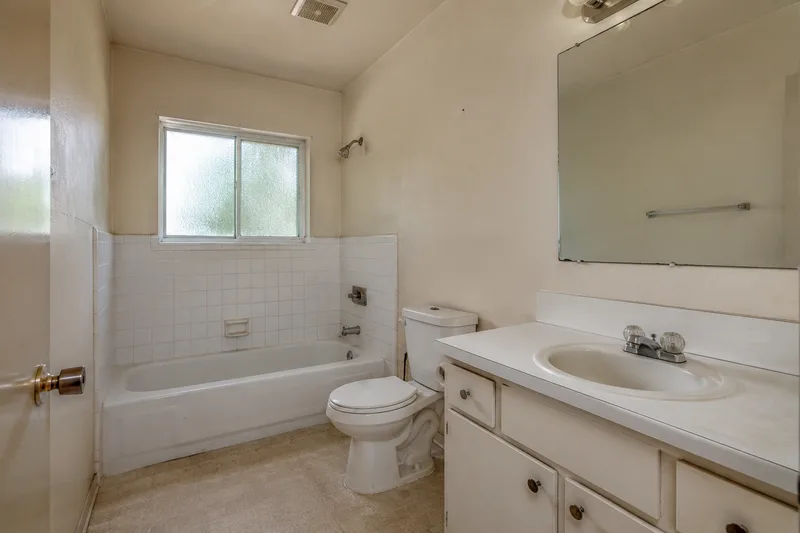
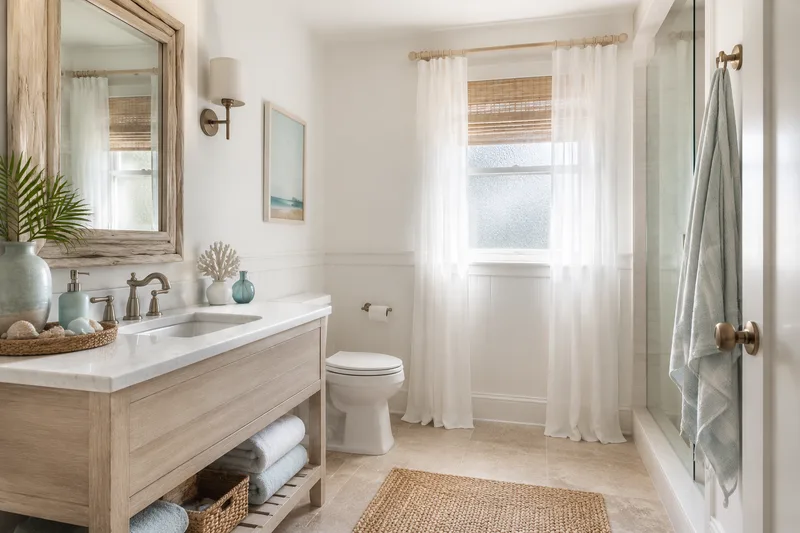
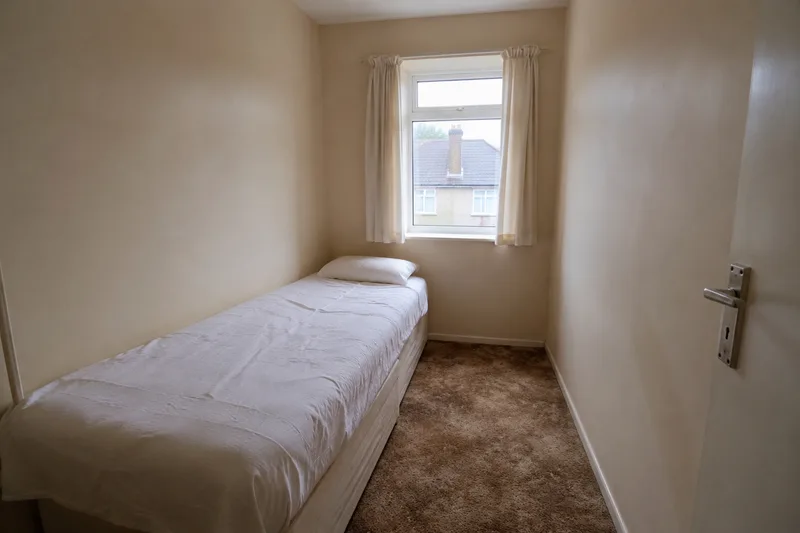
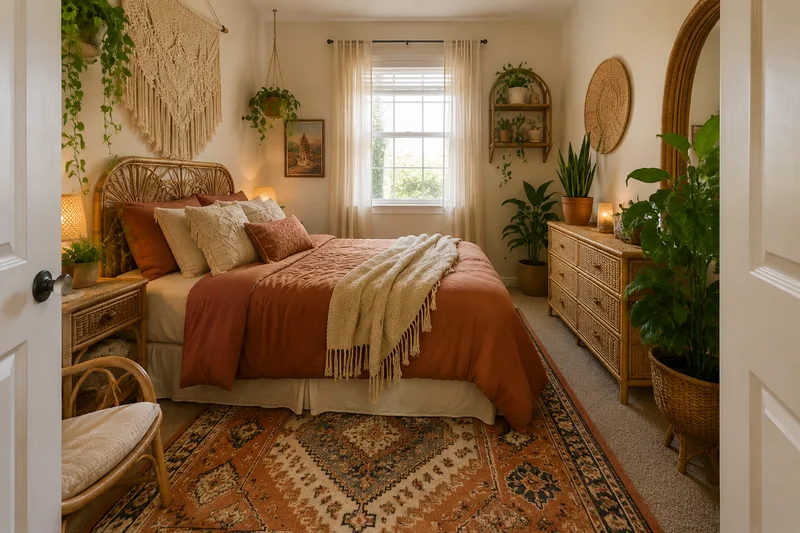
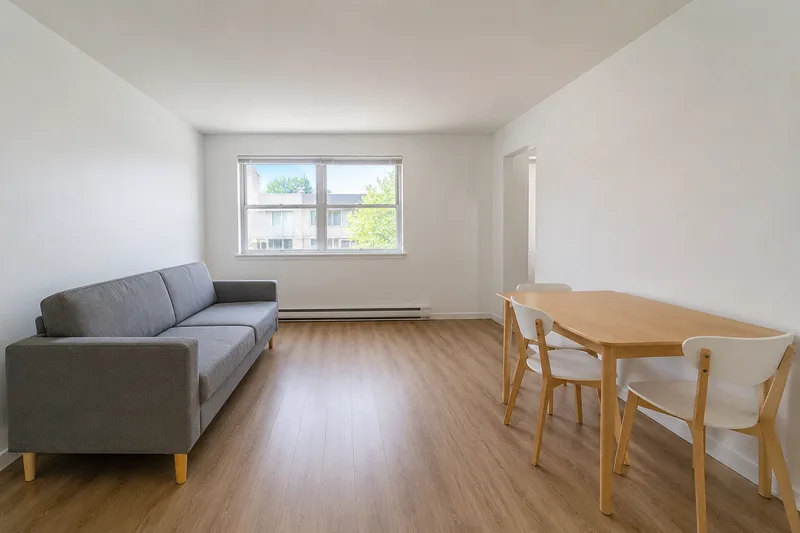
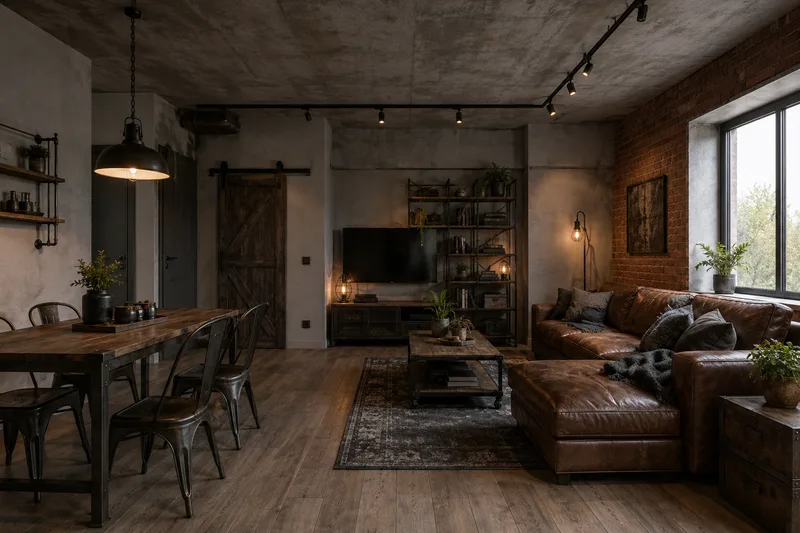
From snapshot to redesign in four steps
- 01
Upload your room
Drop in a photo of the room you want to change — any phone snapshot works.
- 02
Pick a style
Choose from modern, japandi, scandinavian, boho, industrial or coastal.
- 03
See before & after
Compare your room with the redesign on a slider — same layout, new look.
- 04
Take it further
Save your favorite direction and bring it to a designer, contractor or agent.
Frequently asked questions
Is it really free and without login?
Yes. Browsing the before-and-after gallery and previewing your own room photo are free and need no account or login. A paid tier adds higher-resolution downloads and more renders, but nothing here is behind a signup wall.
Are my photos private and safe to upload?
Your photo is used only to create your redesign and is never used to train models. While live rendering is rolling out, the photo you choose stays in your browser and is not uploaded to a server at all.
Can I use the redesigned images commercially?
The renders are AI previews meant for personal inspiration and planning. For commercial or property-listing use, see our Terms; real-estate agents should use the virtual staging page, which is built for listings.
How many room redesigns can I do for free?
The before-and-after gallery is unlimited to browse. Live previews of your own photo are limited to a small number per day for free to keep the service sustainable; the paid tier raises that limit.
How does the AI keep my room’s actual layout?
The redesign works from your photo and keeps the same room geometry — walls, windows and proportions — while changing the furniture, materials, colors and lighting, so the after is a realistic restyle of your room.
Do I need to download an app or create an account?
No. It runs in your browser with no app and no account. Pick a room and a style, upload a photo and you’re previewing — that’s the whole flow.